Manually Add a New Contact
2 minute read
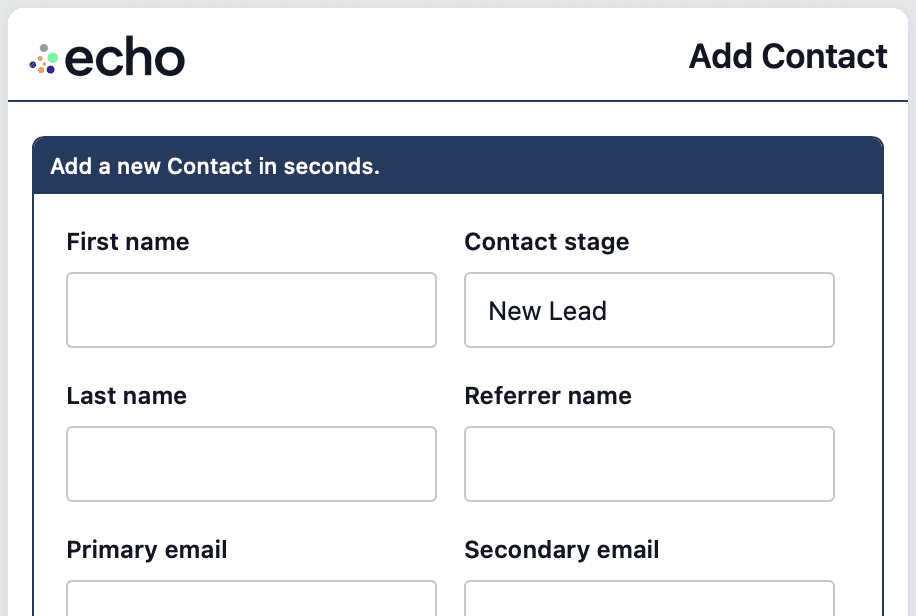
As new referrals come in, add them to echo right away.
This keeps your daily prompts accurate and stops good leads from disappearing into your texts, inbox, or notes.
You can create a contact in about a minute, and once it’s saved, it joins the same flow as the rest of your database.
Where to find the Create Contact button
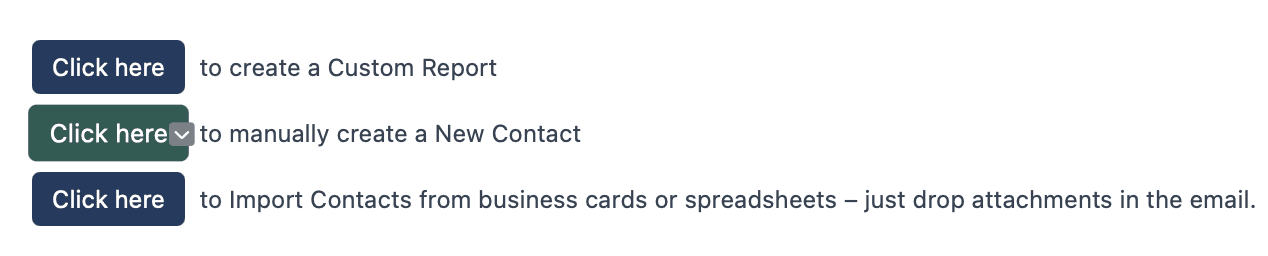
You will see a button to manually create a contact in two places:
At the bottom of your Daily Contact emails
At the bottom of your Weekly echo Metrics email
Click the button and a short form will open.
The 4 fields to enter
The form has the same fields as the contact update screen.
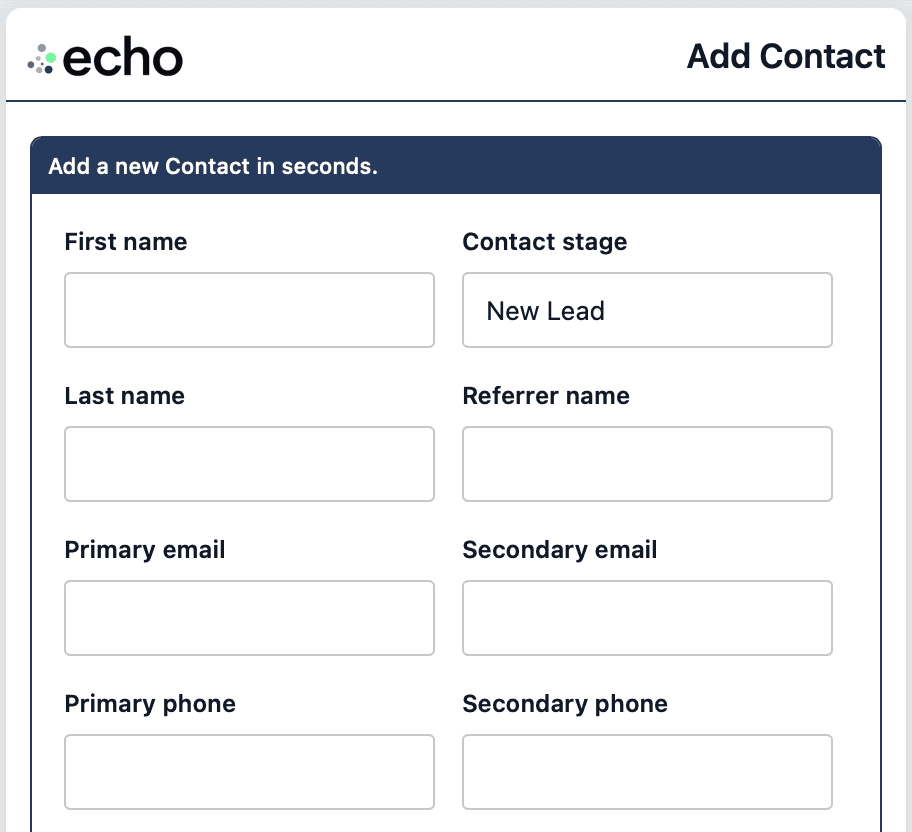
Fill in as much as you can, but do not skip the essentials:
First and last name
A phone number or email
Contact stage
Last contact date
Quick tip
If you have not contacted them yet, reach out right away. Then set the last contact date to today, add any notes while it’s fresh, and click Create Contact.
More How-To