Daily New Leads Report
3 minute read
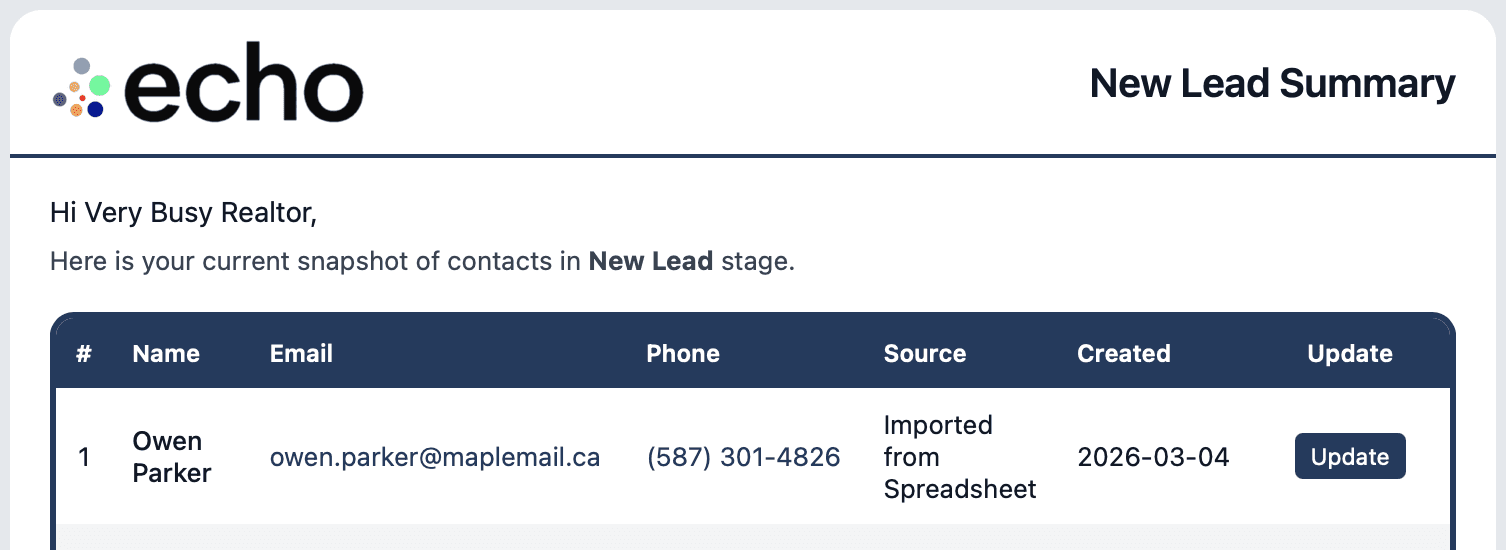
New Leads Daily Report
Your New Leads Summary is a simple daily email report that helps you keep your outreach timely and consistent.
Each day, echo shows you a batch of contacts in New Lead stage. Your job is to review each one, confirm the details, and set two fields that make the reminders accurate: Contact stage and Last contact date.
If you do this for a couple minutes a day, echo quickly becomes the system that reminds you who to call next, without you having to think about it.
What to do
Open your New Leads email and click Update beside any contact.
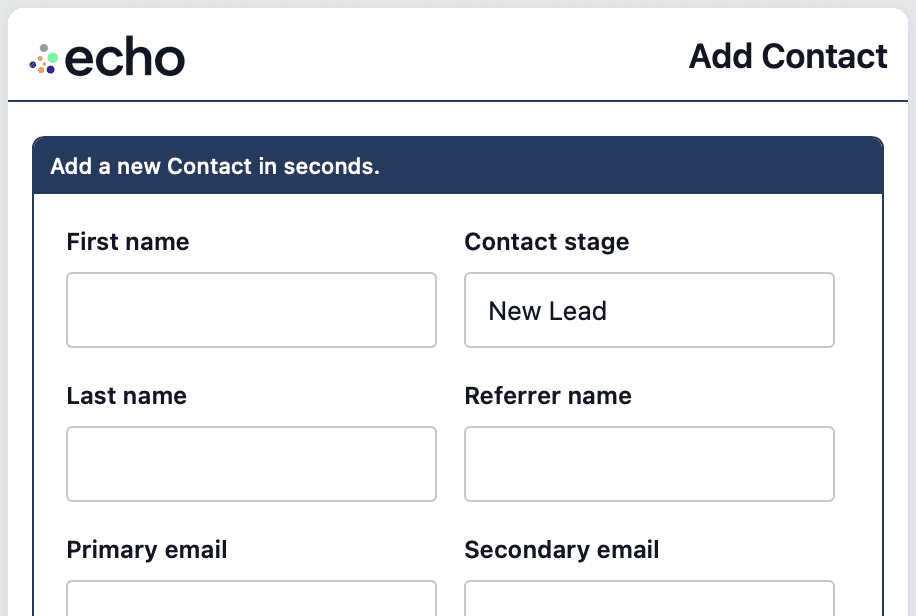
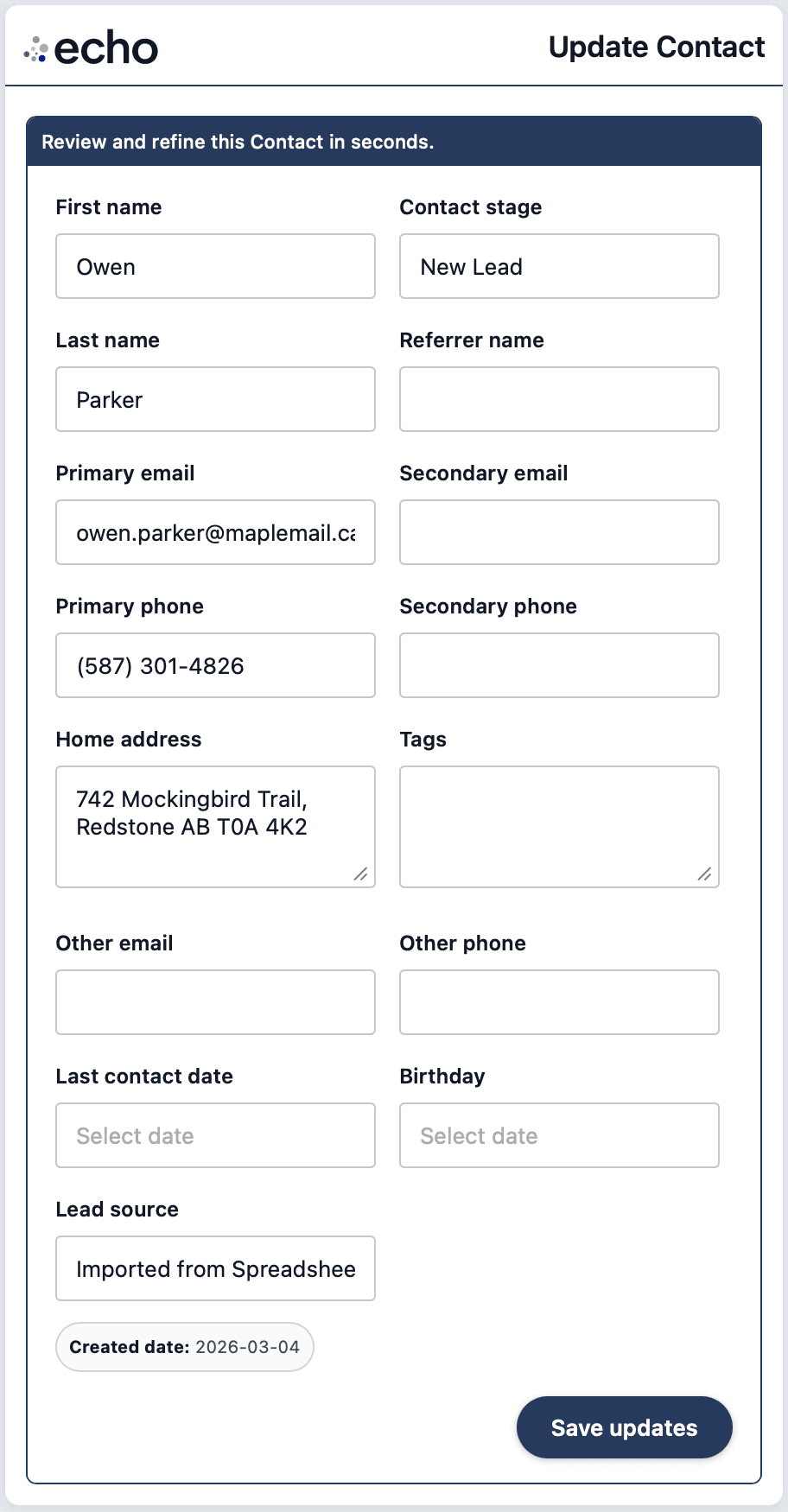
You will land on a short form where you can review and refine the contact in seconds. You do not need to fill everything in if you don't have time, focus on getting the key fields right.
Quick checklist
Confirm name and contact details (phone or email)
Set Contact stage
Set Last contact date
Save and move to the next one
echo will keep sending you up to 20 New Leads per day so you can work through your list over time.
Two fields that make echo work
Most CRMs fail because they become a place you store data, not a tool that drives action. echo is different. It uses two fields to recommend who you should reach out to, and when.
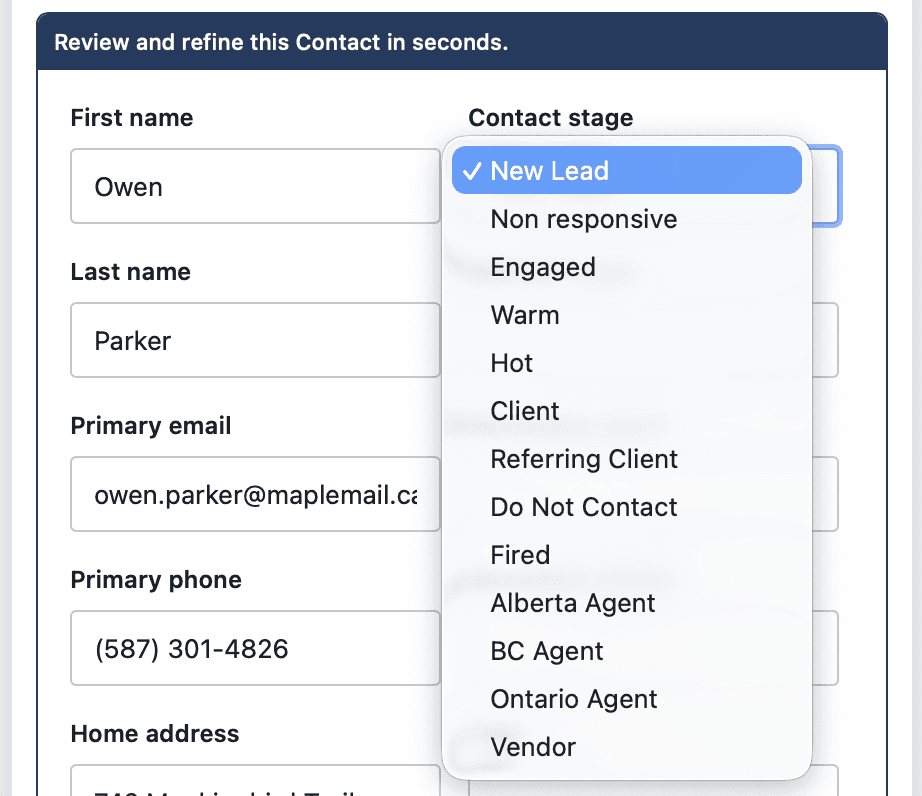
Contact stage
This tells echo what type of relationship it is, and when it's the right time to reach out next. New Lead, Engaged, Warm, Hot, Client, Vendor, and so on.
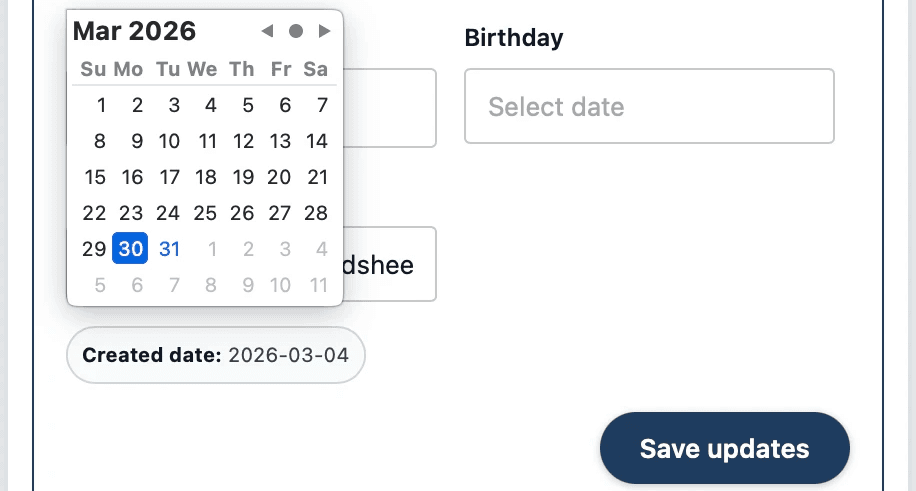
Last contact date
This is the last time you spoke or messaged with the person - Ideally today! This is what makes the timing work. If it’s missing or wrong, your reminders will be off.
If you only keep two things current, keep these two current.
More How-To