How to Run a Custom Report
3 minute read
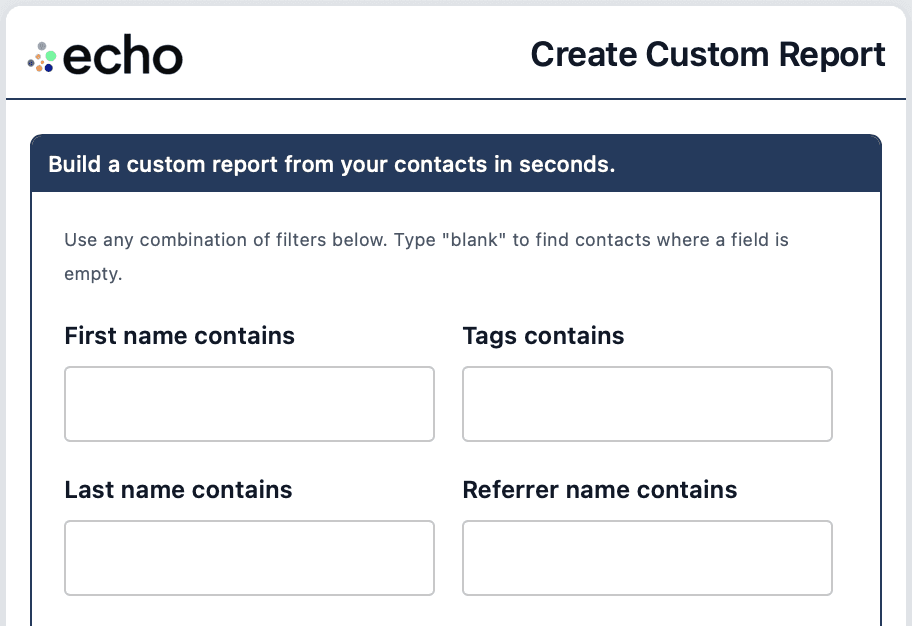
Custom Reports let you pull up any slice of your database in seconds, without exporting anything.
It’s useful any time you want a list like:
all Hot leads
all Referring Clients (planning an event)
all vendors, like inspectors or mortgage brokers
contacts missing a phone number or email
You run the report in a simple form, then echo emails you the full results with update links.
Where to find Custom Reports
You will see a button to create a Custom Report at the bottom of:
your Daily Contact emails
your Weekly echo Metrics email

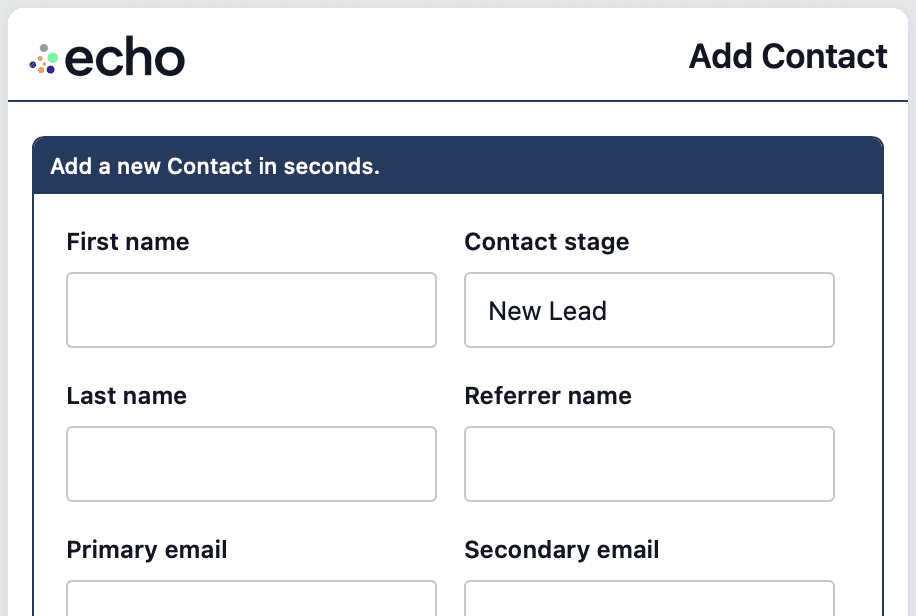
Click it to open the Custom Report form.
How to run a report and what happens next
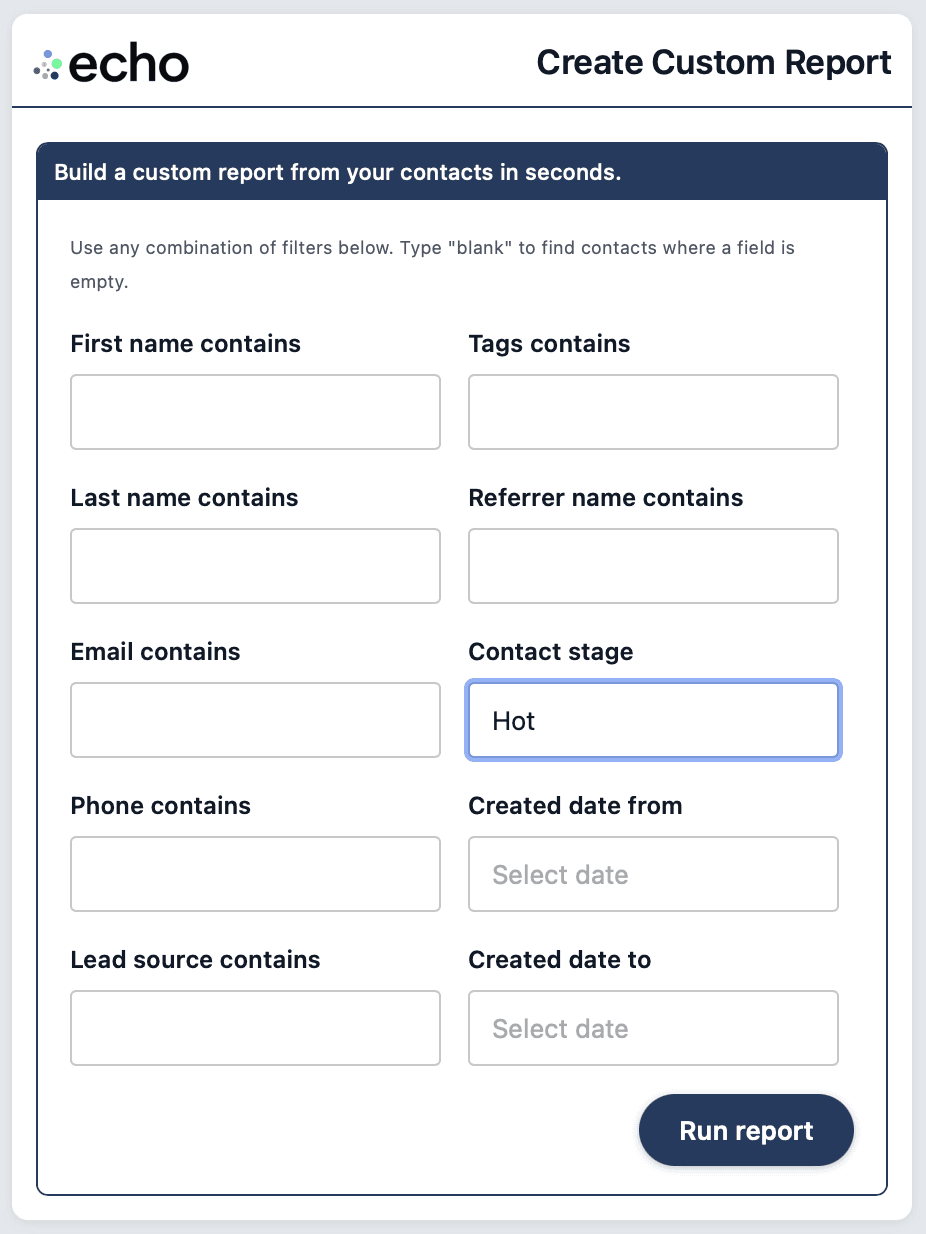
Enter one or more filters (keep it simple)
Click Run report
You will see a quick results screen
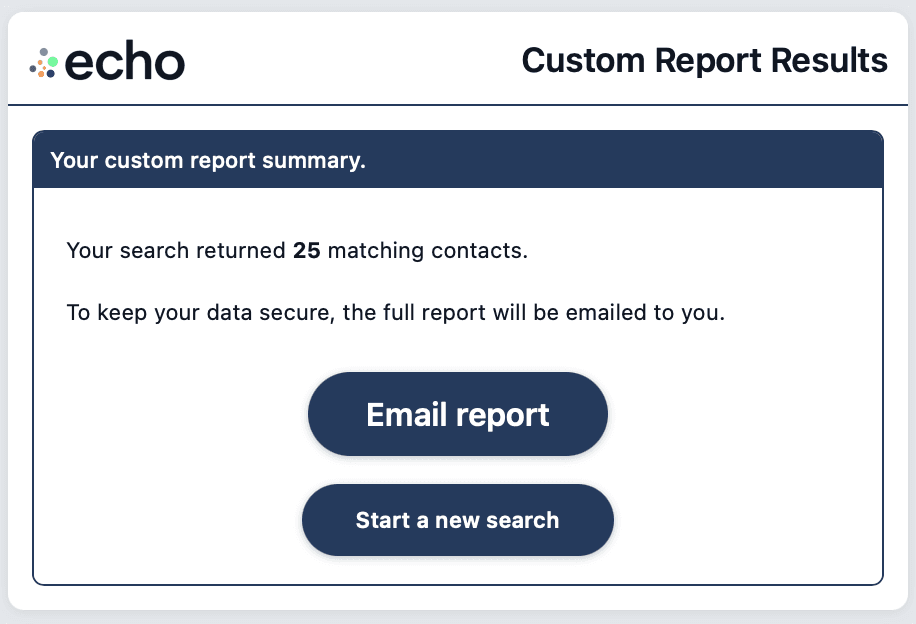
If the results look too big or too small, click Start a new search to go back and adjust your filters.
When it looks right, click Email report.
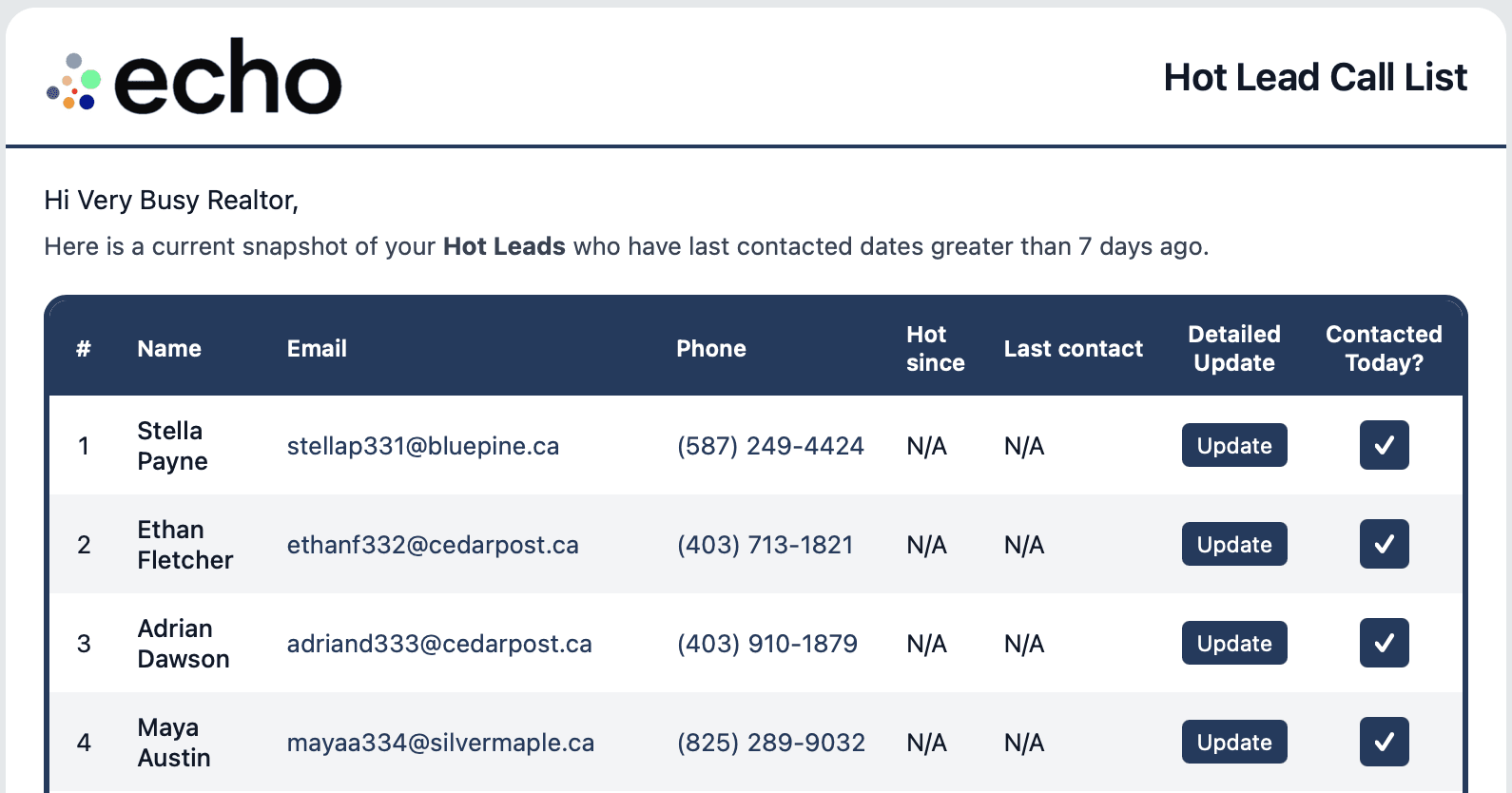
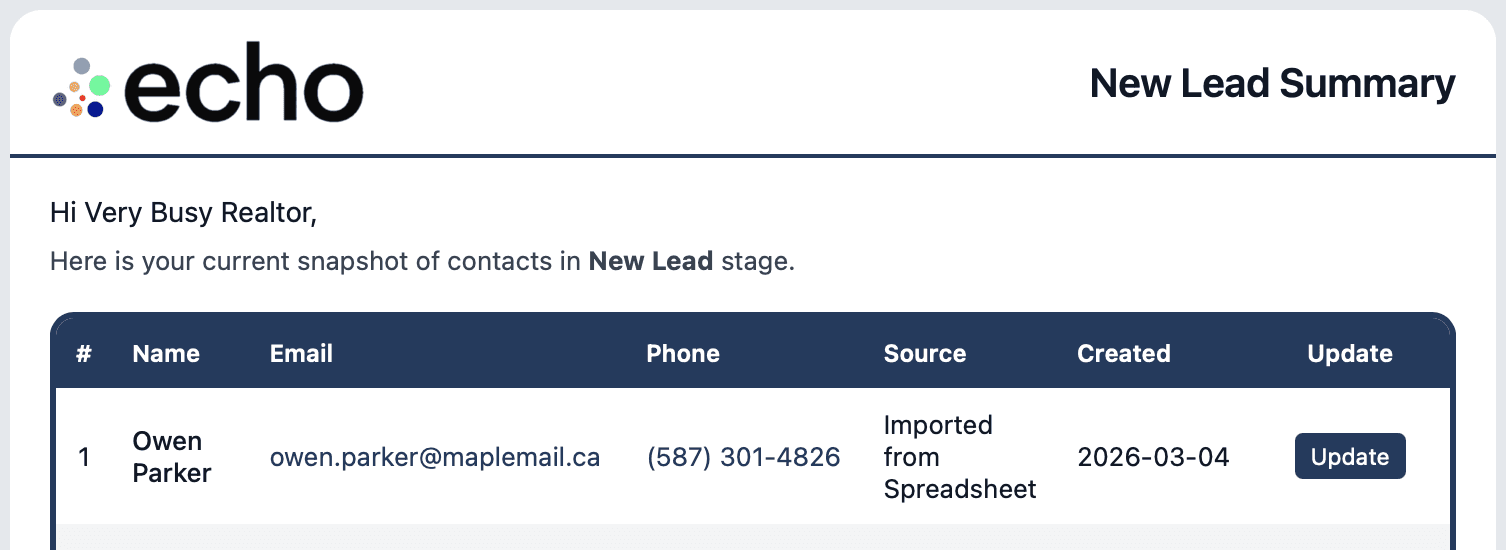
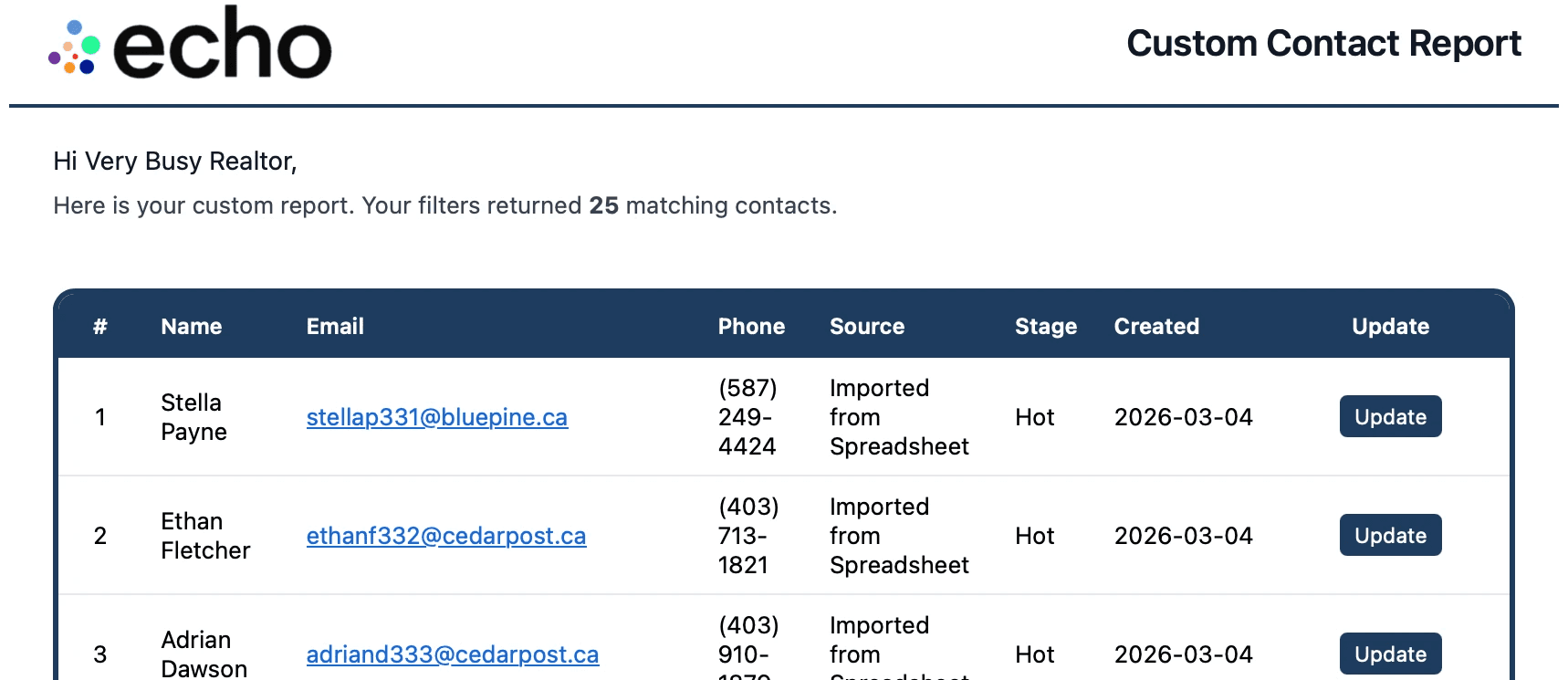
echo will email you the full report with contact details (phone and email when available) plus an Update link beside each contact, so you can take action immediately.
Tips
If you are not sure where to start, try one of these:
Send me all my Hot Leads: Contact stage = Hot
Send me all my inspectors: Contact stage = Vendor and Tags = Inspector
Send me all contacts without a phone number: Search for Primary phone = blank
Send me that client named Steve who gave me the referral: Contact stage = Referring Client and First Name = Steve
More How-To