Duplicates: How to Update or Merge Contacts
3 minute read
Duplicates
Duplicates happen. A contact might get added from a spreadsheet, then again from a business card. Or someone’s name gets typed a little differently. Or you accidentally create the same person twice.
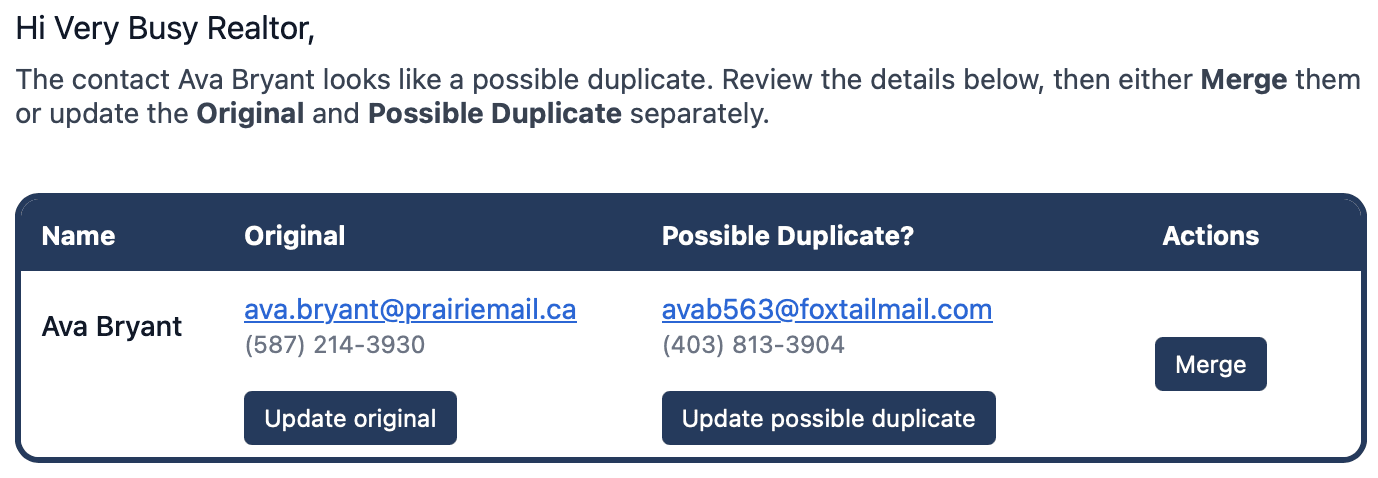
When echo spots two contacts with the same first and last name, We'll email you a Possible Duplicate Contact notice so you can clean it up quickly.
In most cases, this takes less than a minute, and it keeps your reminders accurate.
What you will see in the duplicate email
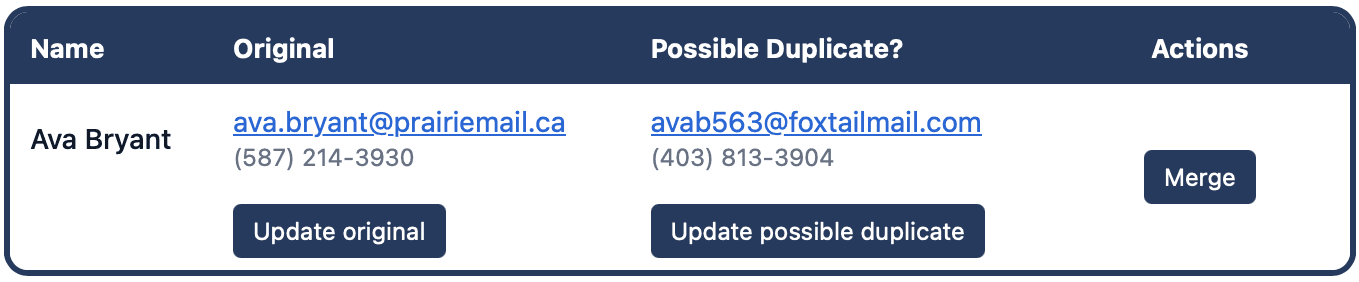
The email shows two versions of the same name:
Original (the older contact)
Possible Duplicate (the newer contact)
You will also see three buttons:
Update original
Update possible duplicate
Merge
Choose the right action
There are two good paths:
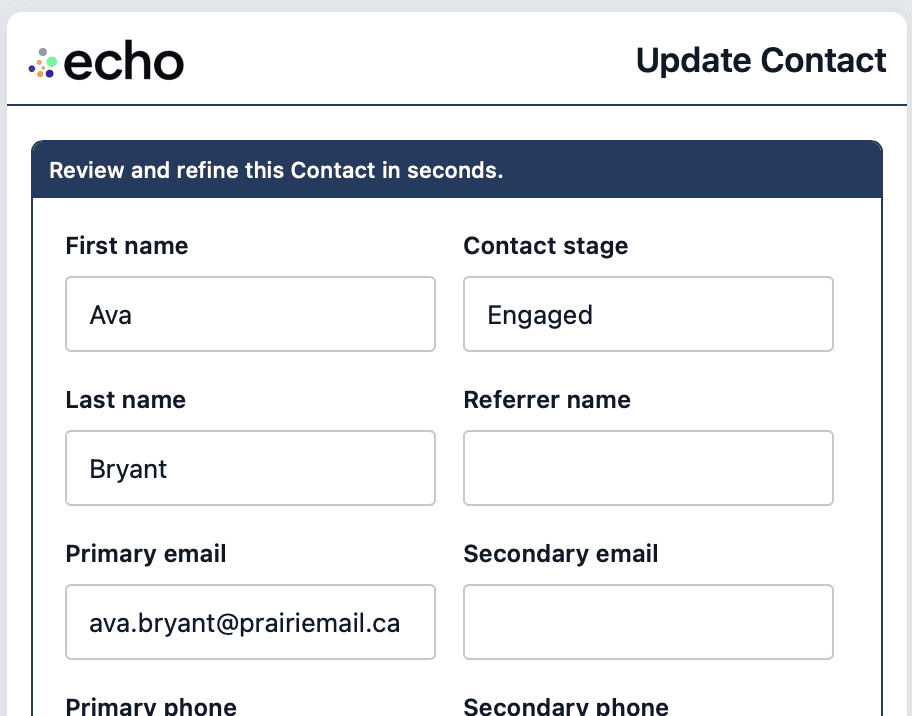
Option 1: Update one or both
Use this when they are not actually the same person, or when one record has incorrect details. Click the update buttons and edit the fields until both contacts are accurate - this is just the normal Update Contact pop up you're familiar with.
Option 2: Merge in one click
Use this when they are the same person. Click Merge to combine them into one clean record.
Merge does two things:
It moves any details from the duplicate into the original contact
It deletes the duplicate contact, so you only have one record going forward
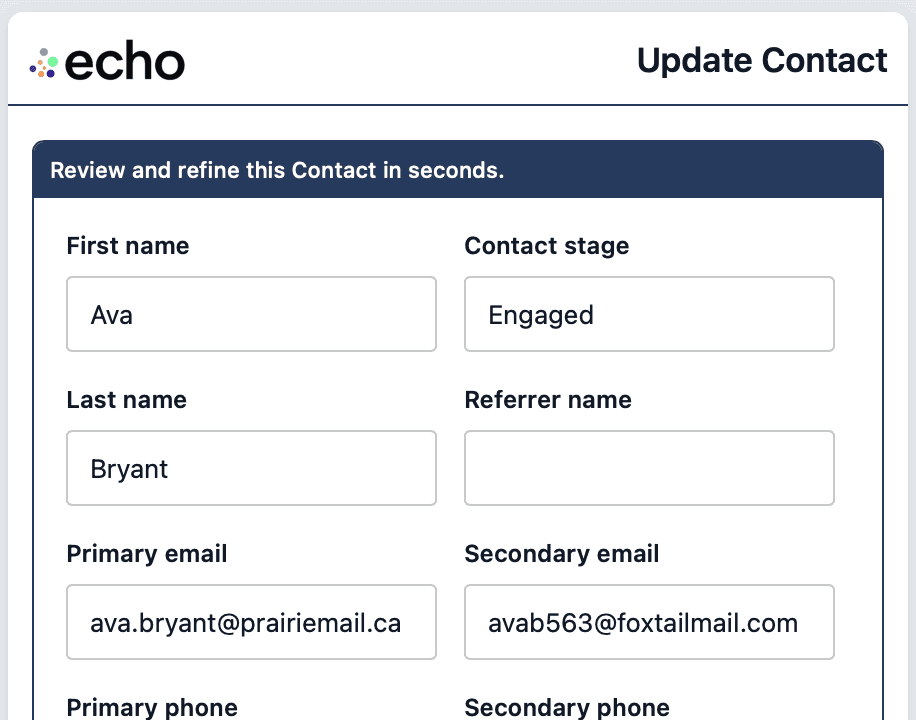
If you're not sure, open both update links first, compare the details, then decide whether to merge.
More How-To